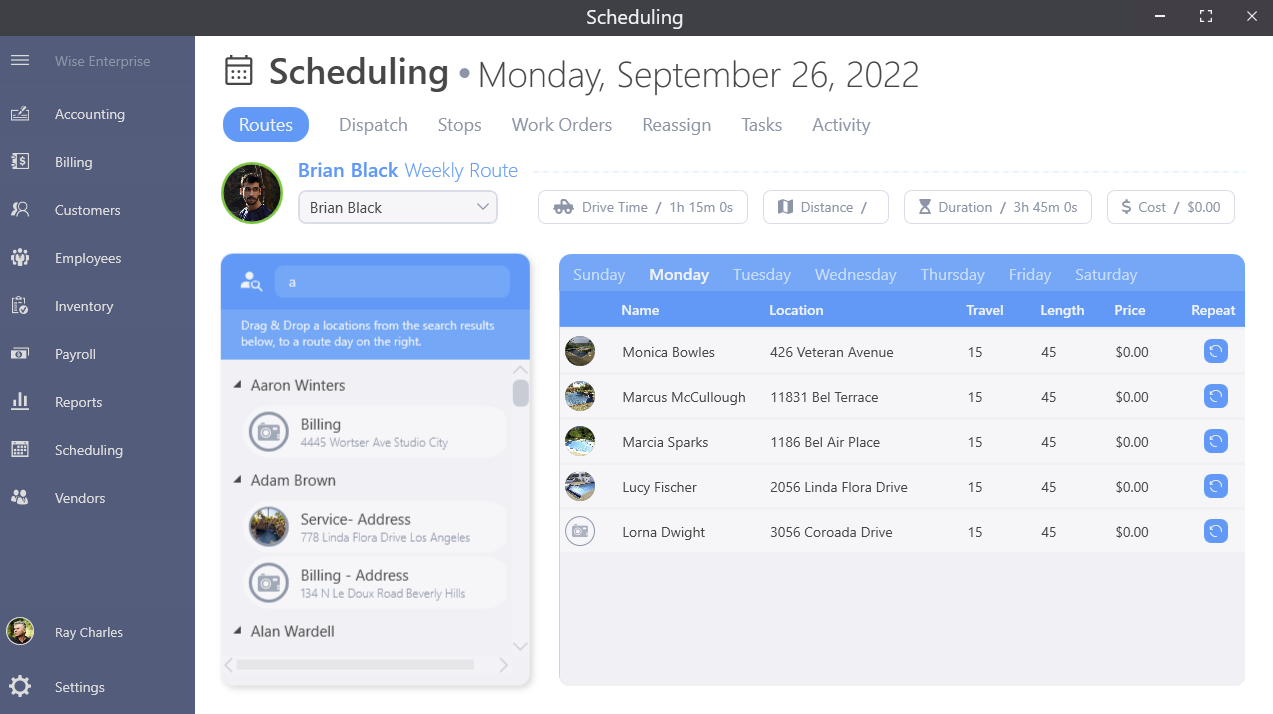
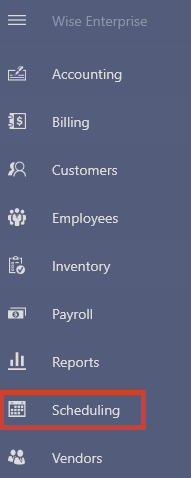
Selecting Scheduling from the main menu on the left of the dashboard will take you to the scheduling area.
You will see the Routes screen by default as well as today's date at the top.
ROUTES
Here is where a technician can see today's routes at a glance, including the weekly stops and customers assigned for that day.